
A box or label is no longer just a container — it’s a doorway. A phone camera or a single tap can now pull up a how-to video, a loyalty signup, an authenticity check, or recycling instructions without the customer typing a single character. The two technologies that make this possible, QR codes and NFC tags, work differently but solve the same problem: turning static packaging into something a customer can interact with.
This guide walks through how each technology works, how to choose between them (or use both), the tools to generate and manage them, and the placement and sizing details that determine whether people actually scan successfully.
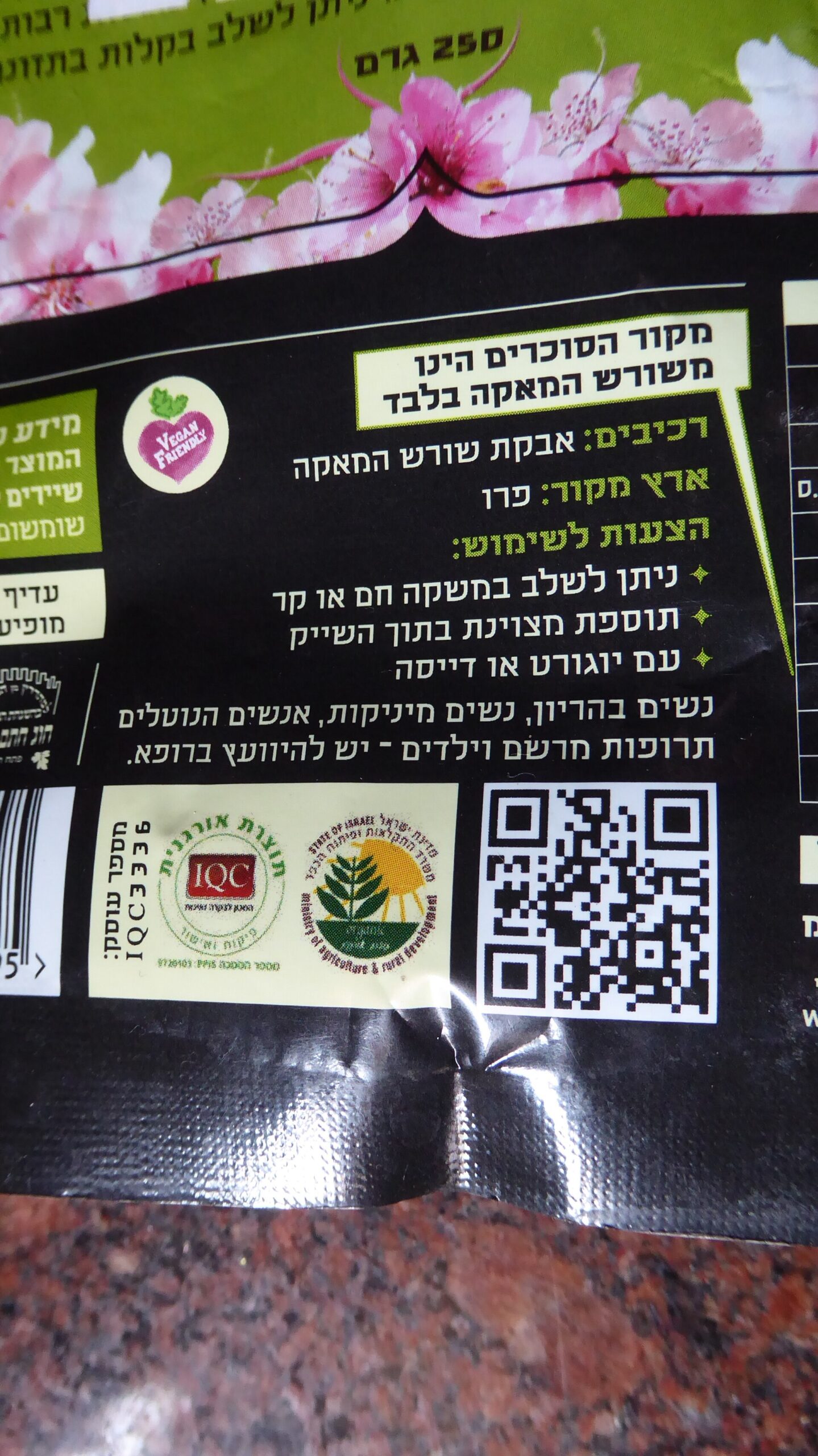
Quick Answer
Add a QR code when you want something cheap, printable with your existing packaging artwork, and scannable by any smartphone camera. Add an NFC tag (a small embedded chip, usually built on the NTAG21x family) when you want a tap-to-connect experience with no camera aim required, better resistance to copying, or richer data like authentication. Many brands now use both: a QR code as the visible, universal fallback and an NFC chip hidden in the label or closure for a premium tap experience.
QR Codes: How to Set One Up Right
Start with a dynamic QR code rather than a static one. A static code bakes the destination URL permanently into the pattern — if you misspell a link or need to redirect the campaign later, you have to reprint every unit. A dynamic code points to a short redirect URL you control, so you can change the destination after the packaging is already printed and on shelves. Several generators (QR Code Generator, Uniqode, QRCodeStack, and others) offer dynamic codes with free or low-cost tiers and built-in scan analytics.
If you sell a retail product with a barcode, look at GS1 Digital Link instead of a plain marketing-link QR code. It’s an open GS1 standard that encodes the same product identifiers used in a barcode (like the GTIN) inside a QR code’s URL structure, so one code can resolve differently depending on who scans it — a shopper gets the product page, a recycler gets sorting instructions, a retailer’s scanner reads it like a barcode. Major retailers are moving checkout systems to accept 2D codes like this under GS1’s ‘Sunrise 2027’ initiative, so adopting the Digital Link format now avoids a second redesign later.
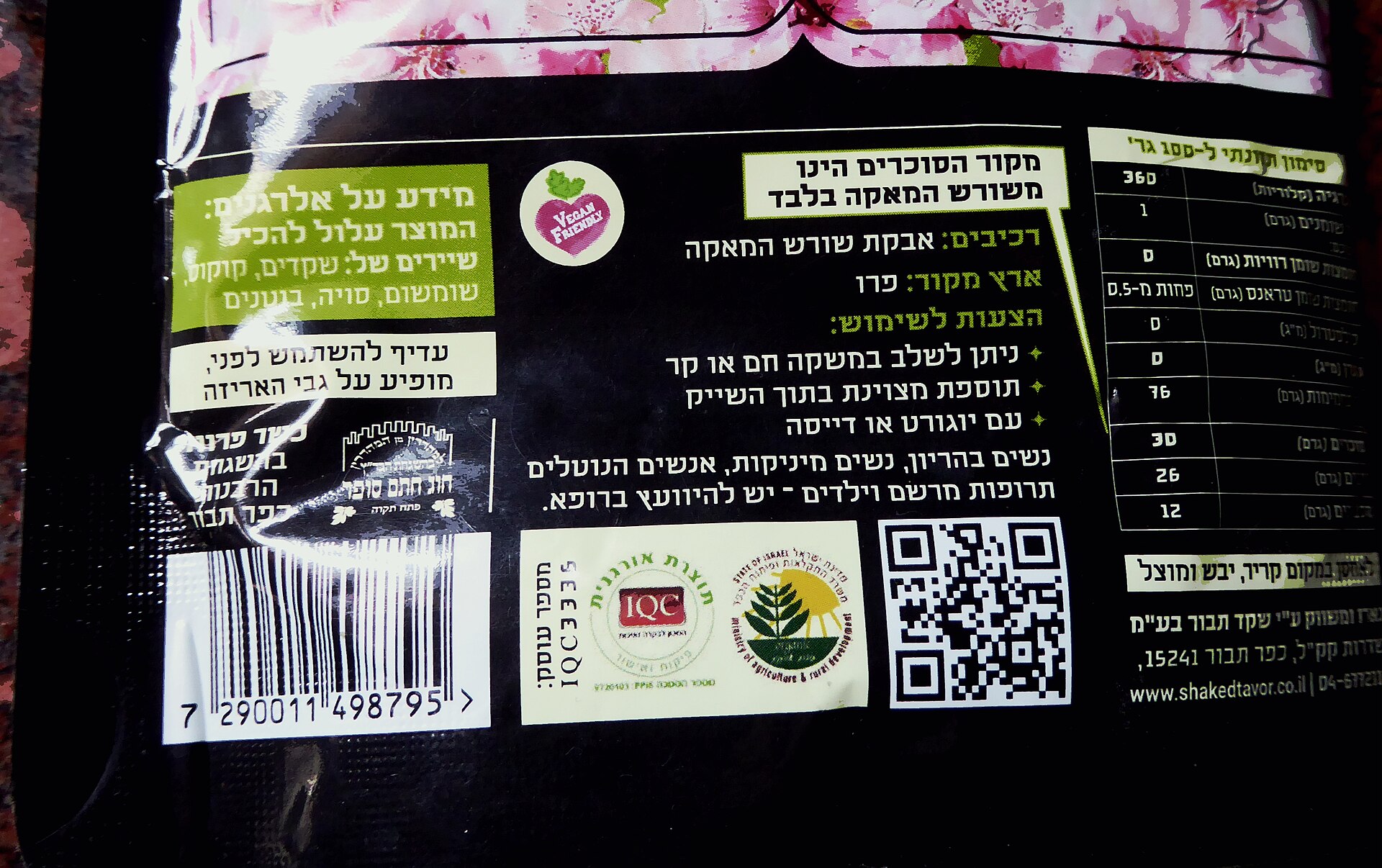
For placement and sizing: keep the code at least about 2×2 cm (roughly the size of a postage stamp) so both phone cameras and point-of-sale scanners can read it reliably — smaller is a common cause of failed scans on crowded packaging. Keep a clear border (quiet zone) of blank space around the code, use high contrast (dark code on light background, not the reverse unless tested), and avoid placing it across a seam, curve, or shrink-wrap fold where it can distort.
Always test the final printed code on multiple phone models before a full print run, and test it on the actual packaging material and finish (matte vs. glossy can affect camera glare and scan speed).
NFC: How to Add a Tap Experience
NFC tags for packaging are small adhesive chips, most commonly built on NXP’s NTAG213, NTAG215, or NTAG216 chipsets. They differ mainly in memory size: NTAG213 (about 144 bytes usable) is the cheapest and fine for a single URL; NTAG215 and NTAG216 offer more storage for multiple data records or more complex app interactions. At bulk quantities these tags are inexpensive — well under a dollar each for simple adhesive stickers — and they can be embedded under labels, inside closures, or laminated between layers of a box, since NFC doesn’t need line of sight the way a QR scan does.
Virtually all modern Android phones and iPhones from the iPhone 7 onward support NFC reading, and since iOS 14, iPhones read standard NFC tags natively through Control Center with no app required; iPhone XS and later models can also detect a tag automatically in the background without the user opening anything first. That near-universal compatibility is what makes NFC viable for consumer packaging rather than just enterprise or ticketing use.
To set one up: buy blank NTAG21x stickers or inlays from an NFC tag supplier, then write a URL (or GS1 Digital Link URI) to the chip using a free phone app such as NFC Tools. For production runs, suppliers can pre-program and ship tags already written and ready to apply. Many tags also support a ‘counter’ or one-time-use feature that changes a value each time the tag is tapped — useful for basic anti-counterfeiting, since a cloned tag’s counter won’t match what your server expects.
Tips and Common Mistakes
Don’t link to your homepage. Build a dedicated landing page for the specific product and context — unboxing instructions, a how-to video, a warranty registration form — so the scan feels worth the effort. Mobile-optimize that page; most scans happen on a phone standing in a store or kitchen.
Don’t bury the QR code only on the bottom or in tiny print as an afterthought; put it somewhere a hand naturally lands, and include a short call to action next to it (‘Scan for setup video’) rather than assuming people will scan unlabeled art.
Don’t forget metal and liquid interfere with NFC range. If your product is in a metal can or a liquid-filled container, test tag placement carefully or use a tag designed for on-metal use, since standard tags can fail to read reliably near metal or next to batteries.
Don’t treat the destination as permanent-set-it-and-forget-it. Use a dynamic QR service (or a redirect you control for NFC URLs) so broken links, seasonal campaigns, or product recalls can be updated without reprinting packaging that’s already been produced.
Do keep an offline fallback — a short printed URL near the code — for the rare scanner or phone that fails to read it.
Explore more: More packaging design guides.
QR codes and NFC on packaging FAQs
Do I need both a QR code and an NFC tag on my packaging?
No, but many brands use both: the QR code as a universal, zero-hardware-cost fallback everyone can scan with a camera, and NFC as a premium tap experience for shoppers whose phones support it. If budget only allows one, start with a dynamic QR code since it works on virtually every smartphone with no extra parts.
Will a QR code on packaging work without an internet connection?
The code itself just encodes data (usually a URL); reading it works offline, but opening a web destination requires the scanning phone to have a connection. If your use case needs to work fully offline, encode the actual content (like plain text or a vCard) directly into the code instead of a link.
What’s the minimum size for a QR code to scan reliably on packaging?
Aim for at least about 2×2 cm (roughly 0.8×0.8 inches), with a clear blank border around it and strong contrast between the code and background. Smaller codes, low contrast, or placement across a seam or curve are the most common causes of scan failures.
Can NFC tags be read by all smartphones?
Nearly all Android phones sold in the last decade and iPhones from the iPhone 7 onward support NFC reading. Since iOS 14, iPhones can read standard NFC tags with no app needed, and iPhone XS and newer models can detect tags automatically in the background.
Find the Right Packaging Supplier
Search the free Packaura supplier directory — filter by material, certification, and location to find vetted suppliers. Search the Supplier Directory.
Want packaging news in your inbox? Subscribe to the free newsletter.
Photo: Chenspec / CC BY-SA 4.0, via Wikimedia Commons.