
A package insert is the last thing a customer touches before they decide whether your brand was worth the money — and often the first thing that decides whether they buy again. Yet most inserts are an afterthought: a generic thank-you slip stuffed in at the last second, competing with a dozen other things in the box for a few seconds of attention.
This guide walks through how to design an insert that actually does a job — earning a repeat purchase, a referral, or an honest review — without breaking marketplace rules or FTC disclosure requirements. You’ll get a practical design framework, content ideas that convert, and the compliance pitfalls that get sellers suspended.
Quick Answer
The best package inserts commit to one single goal — a repeat-purchase discount, a referral code, or feedback capture — and build the layout around a clear headline, one focal call-to-action, and a scannable QR code. For reviews, a neutral request (“We’d love your honest feedback”) linking to your own feedback page, a support page, or Amazon’s own Request a Review feature is fine; what gets sellers suspended is asking only happy customers to review, offering an incentive for a review, or telling unhappy customers to contact you instead of leaving one.
Step 1: Pick One Goal and Design Around It
Before opening a design tool, decide what single action you want the customer to take: reorder, refer a friend, follow on social, or leave feedback. Trying to cram all of these onto one card dilutes attention and none of them get taken. Pick the goal that matters most for your business right now — a subscription brand might prioritize reorders, while a gifting brand might prioritize referrals.
Once you have the goal, build a visual hierarchy around it: a short headline that states the benefit (not just the brand name), one dominant call-to-action, and everything else — logo, social handles, fine print — pushed to a secondary position. Use your existing brand colors and typography so the insert feels like a continuation of the unboxing, not a coupon flyer from a different company.
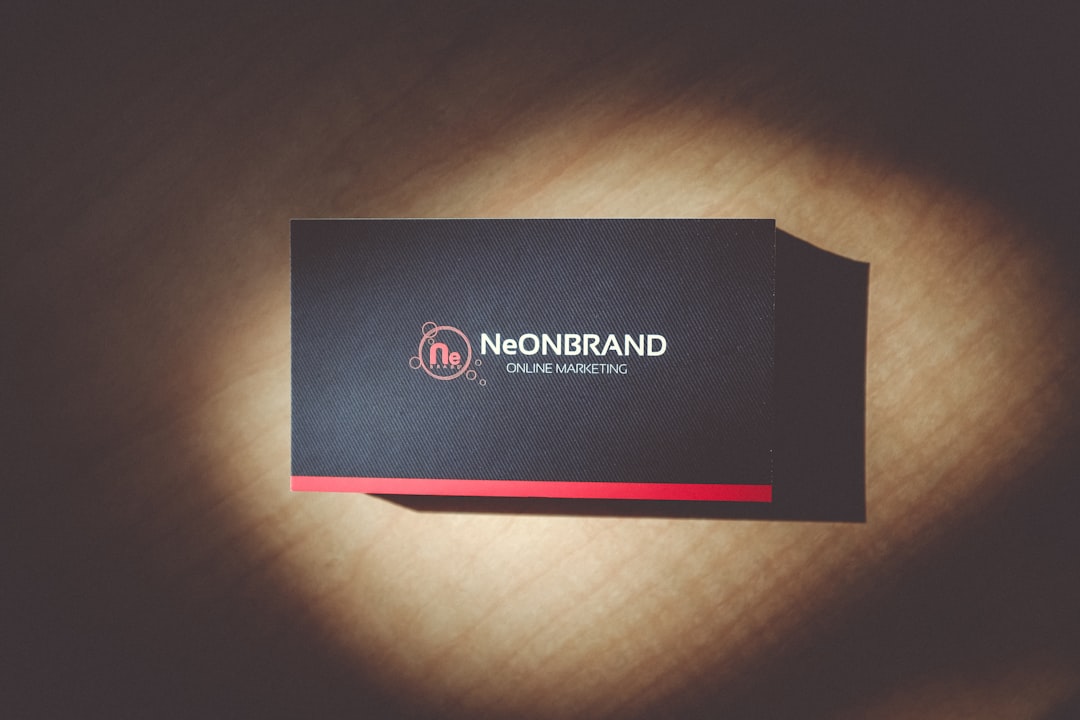
Standard insert sizes follow common print card dimensions — a 3.5 x 2 inch card (the same as a business card) works well for a simple single-offer insert, while a postcard-size 4 x 6 inch card gives room for a short story or a small product lineup. If you’re adding a QR code, keep it at least about 1 inch (2.5 cm) square with a clear white border (a ‘quiet zone’ of a few millimeters) around it so phone cameras can scan it reliably, and print at 300 DPI so it doesn’t blur.
Step 2: Turn the Insert Into a Repeat-Purchase Engine
The content that reliably brings customers back tends to fall into a few categories: a discount code for the customer’s next order, a two-sided referral offer (a discount for both the customer and the friend they refer), a small free sample of another product in your line, or a handwritten-style thank-you note that makes the purchase feel personal. Testing two or three of these across different customer segments will tell you which offer actually moves repeat-order rate for your specific audience — response varies a lot by price point and product category, so don’t assume one format works everywhere.
Make redemption frictionless. A code that requires typing a long string or navigating to a hard-to-find field will get ignored; a short code plus a direct QR link to a pre-filled cart or landing page removes the excuse to abandon the offer. Set an expiration date on discount codes — urgency tends to improve redemption compared to an open-ended offer.
For reviews, marketplaces like Amazon do allow a neutral review request on an insert or through their own tools (such as the seller-side Request a Review feature) — what’s banned is language that skews the outcome. Amazon’s Community Guidelines prohibit asking only for positive or five-star reviews, offering any incentive (discount, refund, free product) in exchange for a review, screening customers before directing them to leave a review, or telling unhappy customers to ‘contact us first’ instead of posting publicly — that last pattern, known as cherry-picking, is explicitly banned. A safe insert line reads something neutral like ‘We’d love your honest feedback — here’s how to reach us’ paired with a QR code to your support page or the product listing. Outside marketplaces, under the FTC’s 2024 rule on consumer reviews and testimonials, you still can’t solicit reviews from insiders without disclosure, misrepresent your own site as independent, or suppress negative feedback.
Tips and Common Mistakes
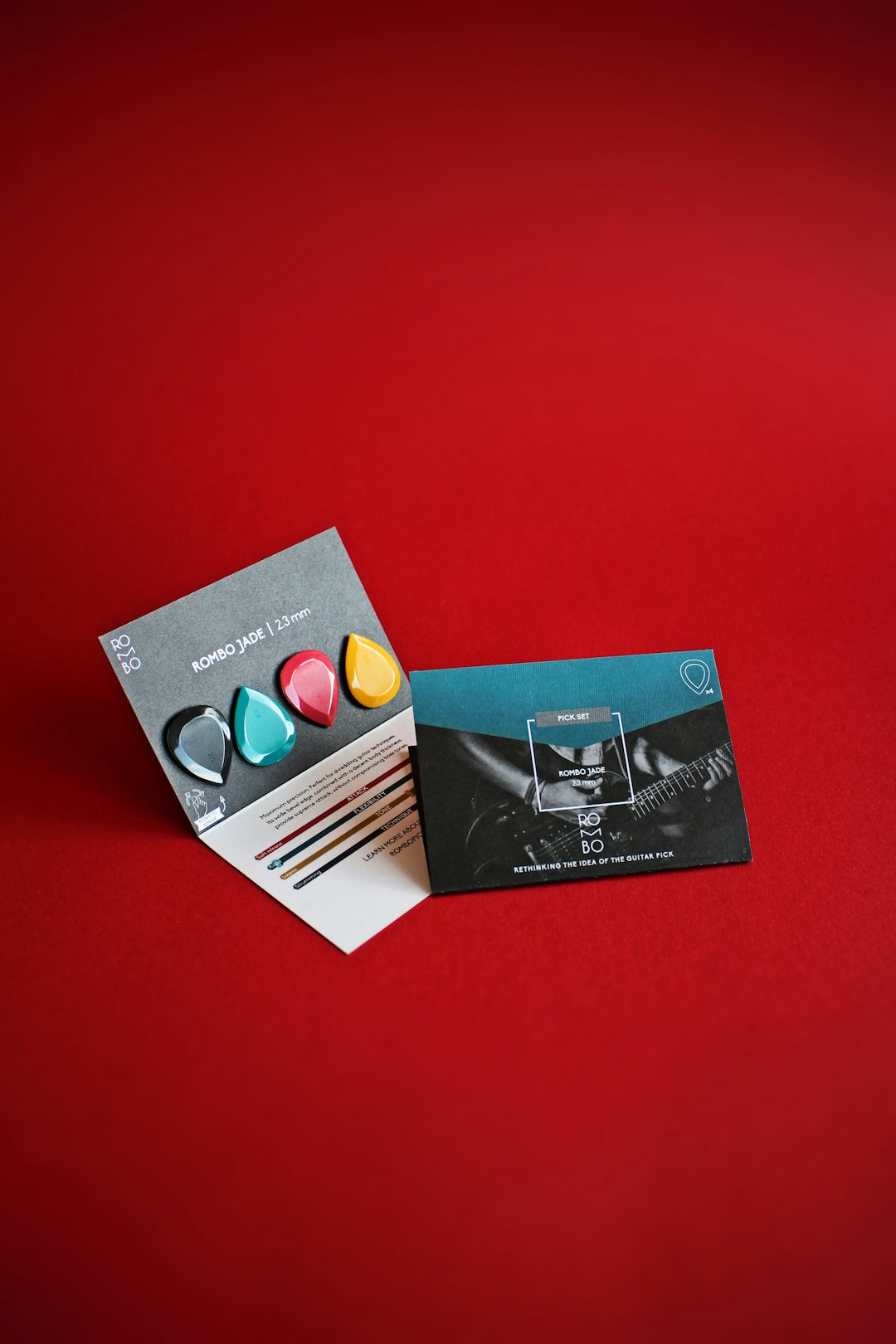
Don’t overcrowd the card — a single clear offer outperforms a card covered in five different QR codes and offers competing for attention. Always print and test-scan any QR code on the actual paper stock before a full print run; matte finishes and small sizes can cause scan failures that a screen preview won’t reveal. Proofread promo codes and links on a physical proof, not just on screen — a single wrong character makes the whole insert useless. Avoid cherry-picking language on any insert going into a marketplace-fulfilled package — phrasing like ‘if you love it, leave us a review’ or ‘contact us before you leave feedback’ violates Amazon’s policy, even though a neutral, no-strings-attached feedback request is allowed. Finally, keep a small stock of insert variants so you can A/B test offers — the version that performs best is rarely the one you’d have guessed.
Explore more: More packaging design guides.
Package insert design FAQs
Can I ask for a review on a package insert?
Yes, as long as the request is neutral. Amazon and similar marketplaces allow inserts that ask for honest feedback or link to a support page or review page, but they prohibit language that asks only for positive reviews, offers an incentive, or tells unhappy customers to contact you privately instead of posting a review. For direct-to-consumer orders you have more latitude, but under the FTC’s 2024 review rule you still must avoid soliciting only positive reviews, disclose insider relationships, and never suppress negative feedback.
What size should a package insert be?
A standard business-card size (3.5 x 2 inches) works for a single offer or QR code, while a postcard size (around 4 x 6 inches) gives room for a short brand story, multiple products, or a small FAQ. Match the size to how much you actually need to say — smaller cards get read faster.
How big should a QR code be on a package insert?
Keep printed QR codes at least about 1 inch (2.5 cm) square with a clear quiet zone of a few millimeters around the edges, and print at 300 DPI. Always test-scan the final printed card with a phone camera before running a full print batch.
Source Smarter With Packaura Direct
Find packaging suppliers, surplus inventory, and certification — all on Packaura Direct. Try Packaura Direct.
Photo by Quilia on Unsplash.